
DAY ONE, SORTED
Start a Project
Start Strong. Stay Organised.
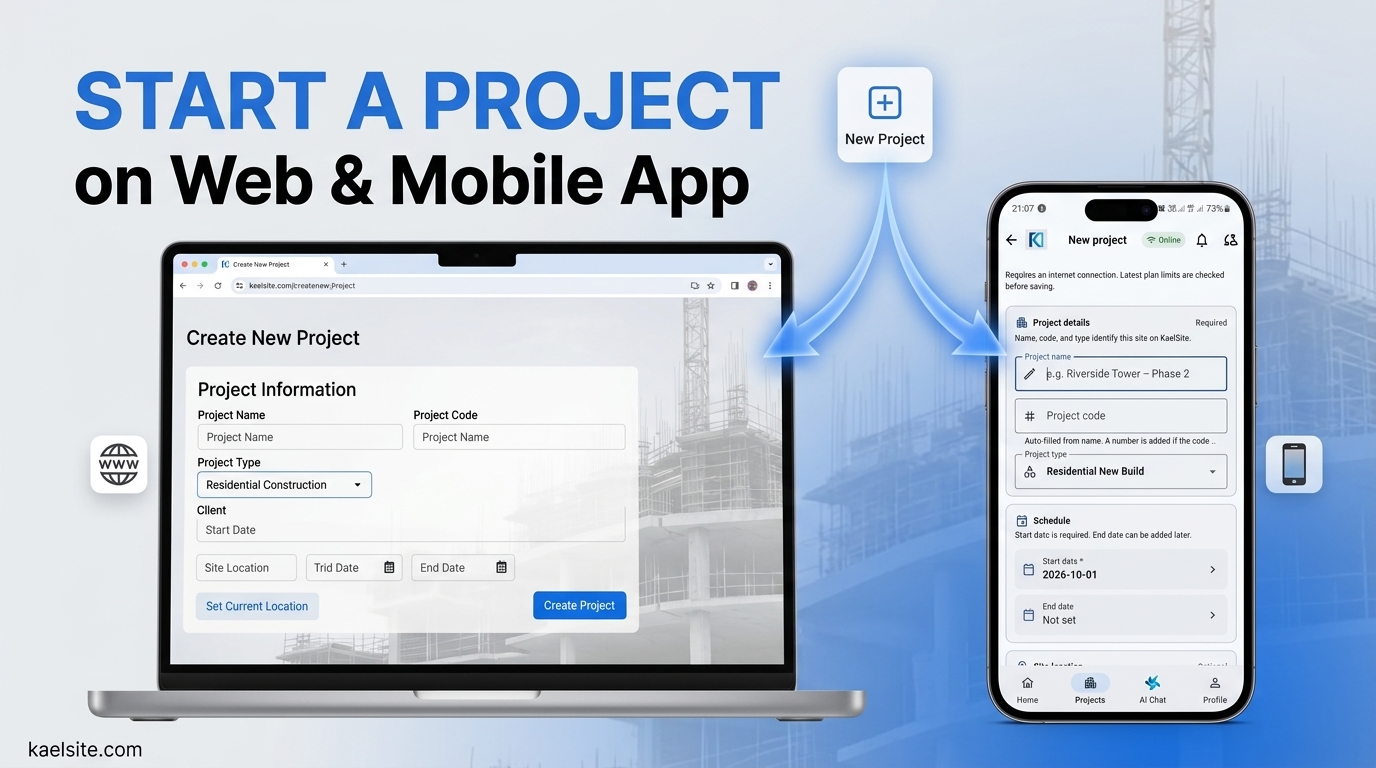
Add your project name, location, type and key dates, and KaelSite sets up the rest. Your inspections, RAMS, Construction Phase Plan and COSHH records all start from the same project.
Start Strong. Stay Organised.
Starting a new job shouldn’t mean starting a new pile of paperwork. Give KaelSite the essentials and your project is set up and ready for your team.
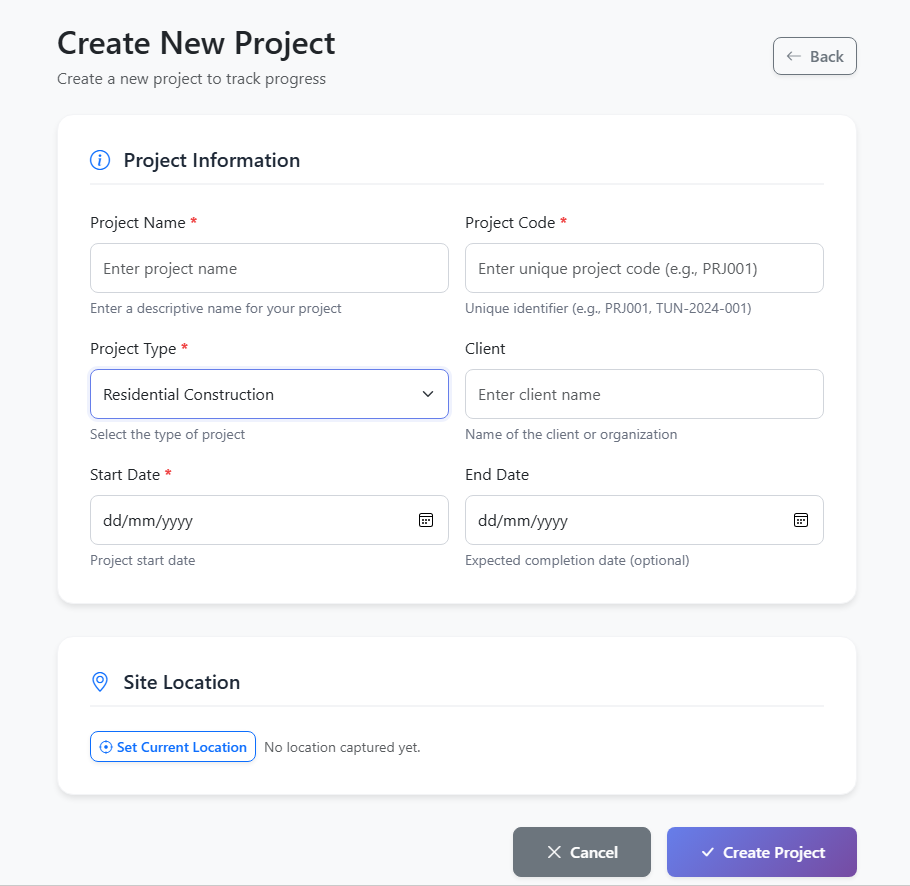
Fill in the basics:
- Project name and code
- Project type (residential, commercial, infrastructure and more)
- Client information
- Start and end dates
- Site location, with one-tap GPS capture
New: Everything builds on your project. Once the project exists, your site safety paperwork can start from it:
- Add work items for the jobs on site, then create a RAMS for each one with Kael, the AI assistant.
- Create the project’s Construction Phase Plan from the details you’ve already entered.
- Register the hazardous substances used on the project in COSHH.
Reminders and notifications are in place from the start, so nothing gets missed. Then bring in your team and begin your first inspection. You can do it from your phone on site or from the web in the office, with the same account
Create your first RAMS with Kael. [Join now] [See Kael]
See Related features: